The Python package built for
applied business regression

Fit models, run diagnostics, and visualize results in a few readable lines. Ravix handles the implementation so you can focus on the analysis.

Latest release: Ravix 1.0.0  ·  View all releases
GitHub
Why Ravix

One package. The full regression workflow.

Formula syntax

Write models as R-style strings like "y ~ x1 + x2". Readable and immediately familiar to R and statsmodels users.

Bundled datasets

Every textbook dataset included. Load any with a single call to get_data(). No file paths, no configuration.

Built-in diagnostics

The full diagnostic suite for heteroscedasticity, normality, and multicollinearity. Each test is a first-class function with interpretable output.

One-line plots

Publication-ready scatter plots, residual histograms, correlation heatmaps, and boxplots. One function, one line, done.

Model selection

Stepwise (AIC/BIC) and best subset regression return structured, comparable output tables.

Ecosystem compatible

Built on the Python data science stack you already use. DataFrames in, matplotlib out, standard objects throughout.

Interactive shell

Explore sample Ravix output

Select an example to preview the kind of output Ravix produces.

ravix_shell.py
▶ Click "Run" to execute. Output will appear here.
Works where you work

Fits into any Python environment

Ravix accepts concise inputs and returns clean, readable output. No new formats to learn.

Textbook

Built alongside the book

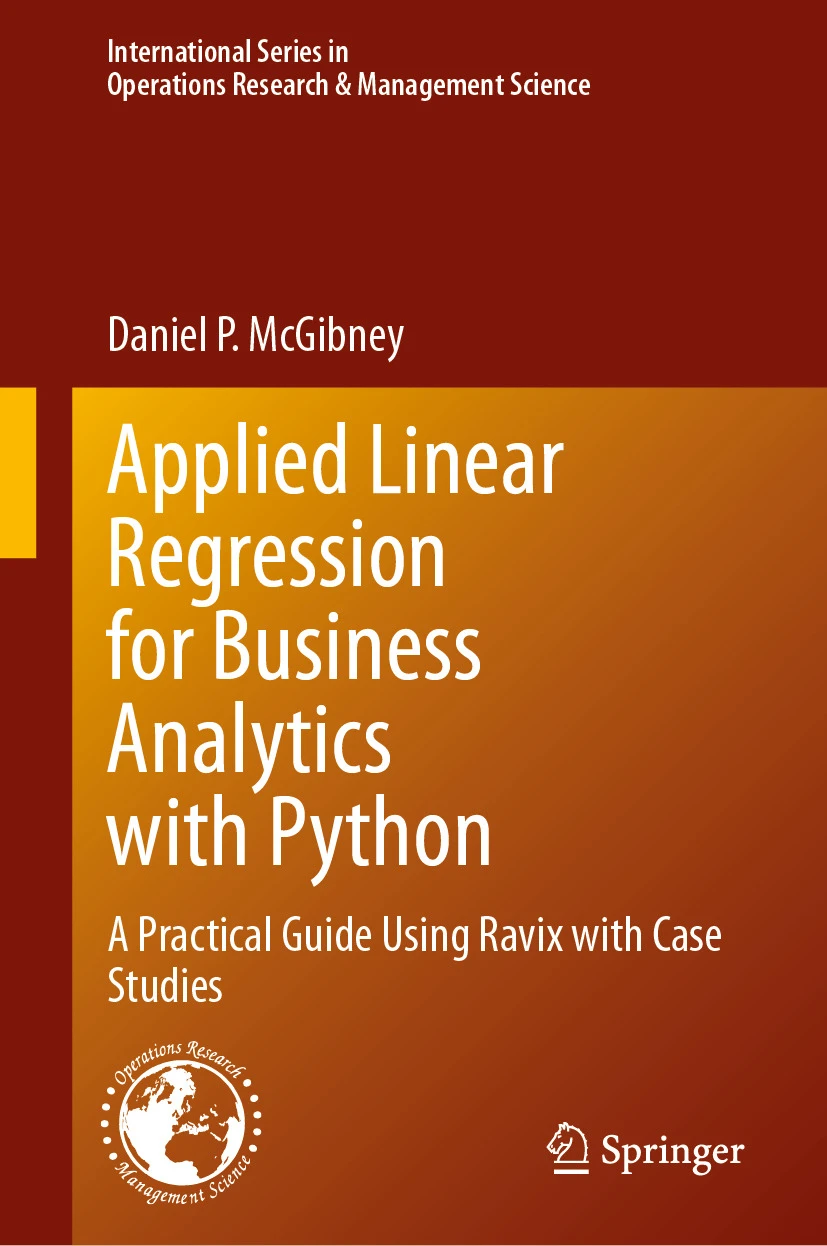
Applied Linear Regression for Business Analytics with Python

Applied Linear Regression for Business Analytics with Python

A Practical Guide Using Ravix with Case Studies

Daniel P. McGibney — Springer

The functions you see in Applied Linear Regression for Business Analytics are the same ones practitioners use. Ravix is designed to work as well in the real world as it does in the classroom.

Springer → Amazon → businessregression.com ↗

Installing Ravix

Python 3.9+MIT License

Ravix is available on PyPI and requires Python 3.9 or later.


pip

The recommended installation method:

pip install ravix

To upgrade to the latest version:

pip install --upgrade ravix

From source

git clone https://github.com/danielmcgibney/ravix
cd ravix
pip install -e .

Verify installation

# Should print the installed version
import ravix
print(ravix.__version__)

Dependencies

All required dependencies are installed automatically by pip.

Required
numpy≥ 1.20
pandas≥ 1.4
statsmodels≥ 0.13  Underlying regression engine
matplotlib≥ 3.5
lxmlany  Used for tabular formatting
Optional
scikit-learnany  Pipeline and metrics interop
seabornany  Enhanced plot styling

Quickstart

import ravix

df    = ravix.get_data("Betas.csv")
model = ravix.ols("AAPL ~ SPY", df)
model.summary()
ravix.plot("AAPL ~ SPY", df)
Next step
Click the Quickstart link for a complete quickstart walkthrough.

Ravix Documentation

Version: 1.0.0  |  Source  ·  Issues  ·  Textbook


Ravix is a Python package for applied regression in business analytics. It provides clean, readable functions for the full statistical analysis workflow: fitting models, running diagnostics, selecting variables, and producing publication-ready visualizations. Ravix is the companion package for Applied Linear Regression for Business Analytics (Springer).


🚀 Getting started

New to Ravix? The Quickstart covers installation, loading a dataset, fitting a model, and reading the output.

📖 User Guide

In-depth coverage of OLS fitting, diagnostics, model selection, and visualization with worked examples.

🤝 Contribute

Want to improve Ravix? The contributing guide covers bugs, pull requests, tests, and documentation.

On this page

About Us

1.0.0
Current version
MIT
License
3.8+
Python support
2026
First release

Ravix is a unified statistical modeling and visualization framework for Python designed to support applied regression analysis in business analytics. Developed from years of teaching regression at the graduate level, Ravix emphasizes clarity, interpretation, and workflow consistency over low-level coding complexity. By integrating formula-based modeling, streamlined output, diagnostics, and visualization into a cohesive interface, Ravix allows students and practitioners to focus on statistical relationships and communicating insights rather than managing implementation details. Ravix serves as the companion framework for Applied Linear Regression for Business Analytics with Python: A Practical Guide Using Ravix with Case Studies (Springer, 2026).

Today, Ravix supports graduate and undergraduate analytics education as well as applied business modeling workflows for practitioners seeking clear, reproducible regression analysis in Python.


Contributors

Ravix was developed with the support of undergraduate and graduate students in the Management Science Department at the University of Miami.

Nefeli Zafeiri contributed to the development of Ravix and was instrumental in the design of this website. Mintra Putlek and Kaitlyn Salvi Cruz contributed to the development and testing of Ravix.


Textbook

Applied Linear Regression for Business Analytics with Python

Applied Linear Regression for Business Analytics with Python

A Practical Guide Using Ravix with Case Studies

Daniel P. McGibney — Springer, 2026

Tailored for graduate students in MSBA and MBA programs and suitable for advanced undergraduates in analytics, math, and statistics. Every chapter uses Ravix throughout.


Author

Daniel P. McGibney is the author of Applied Linear Regression for Business Analytics (Springer) and the core developer of Ravix. His teaching philosophy motivated Ravix's design: code should reinforce statistical concepts, not obscure them.


Contact

Community

Ravix is a focused package built around a single textbook. Here are the best places to get help and connect with other users.

GitHub

When reporting a bug, please include:

  1. Your Python version: python --version
  2. Your Ravix version: import ravix; print(ravix.__version__)
  3. A minimal reproducible example
  4. The full error traceback

Textbook resources

The companion site businessregression.com contains datasets and topic summaries for all textbook chapters.

Stack Overflow

Tag questions with ravix and python on Stack Overflow.

Code of conduct

All Ravix community spaces follow a simple standard: be respectful, be constructive, and assume good faith. The full code of conduct is in the repository.

Contributing to Ravix

Ravix is openly developed on GitHub. Contributions of all kinds are welcome — code, tests, documentation, and bug reports.

Report a bug

Open a GitHub issue with a minimal reproducible example. Include your Python and Ravix versions.

Open an issue →

Submit a pull request

Fork, create a feature branch, and submit a PR. Small, focused pull requests are reviewed most quickly.

Fork on GitHub →

Improve documentation

Documentation fixes and new examples are as valuable as code changes.

Browse docs →

Write tests

All new functionality should include tests. Run pytest tests/ -v before submitting.

View test suite →

Dev environment

# Clone your fork
git clone https://github.com/danielmcgibney/ravix
cd ravix

# Install with dev dependencies
pip install -e ".[dev]"

# Run the test suite
pytest tests/ -v

Code standards

  • Follow PEP 8 — run flake8 ravix/ before submitting
  • Auto-format with black ravix/
  • All public functions need a NumPy-style docstring
  • New features require unit tests in tests/

Pull request checklist

Before you open a pull request, run through this short list. It helps the maintainer review your change quickly.

  • All tests pass. Run pytest tests/ -v in your terminal and confirm everything is green.
  • You added a test for your change. If you wrote a new function or fixed a bug, add at least one test that covers it.
  • Every new function has a docstring. A short description in triple quotes explaining what the function does, its inputs, and what it returns.
  • You noted the change in CHANGELOG.md. Add a one-line summary under the "Unreleased" heading so it appears in the next release notes.
  • Your PR description explains what and why. A few sentences telling the maintainer what you changed and the reason behind it.
First-time contributor?
The GitHub pull request documentation is a helpful starting point.